What Is a Physical Access Control System and How Does It Work?
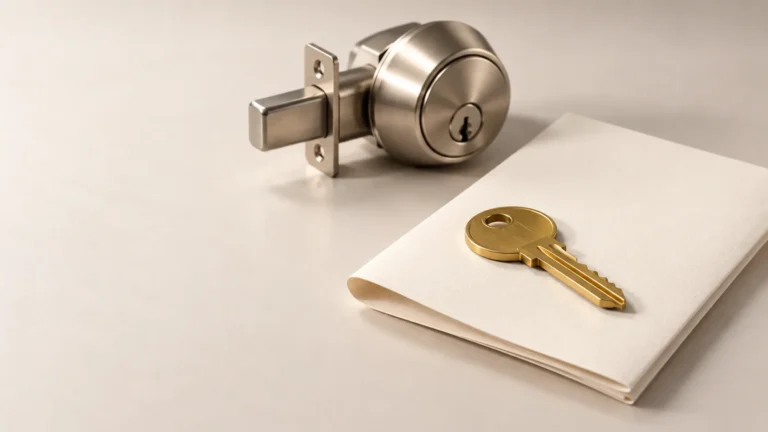
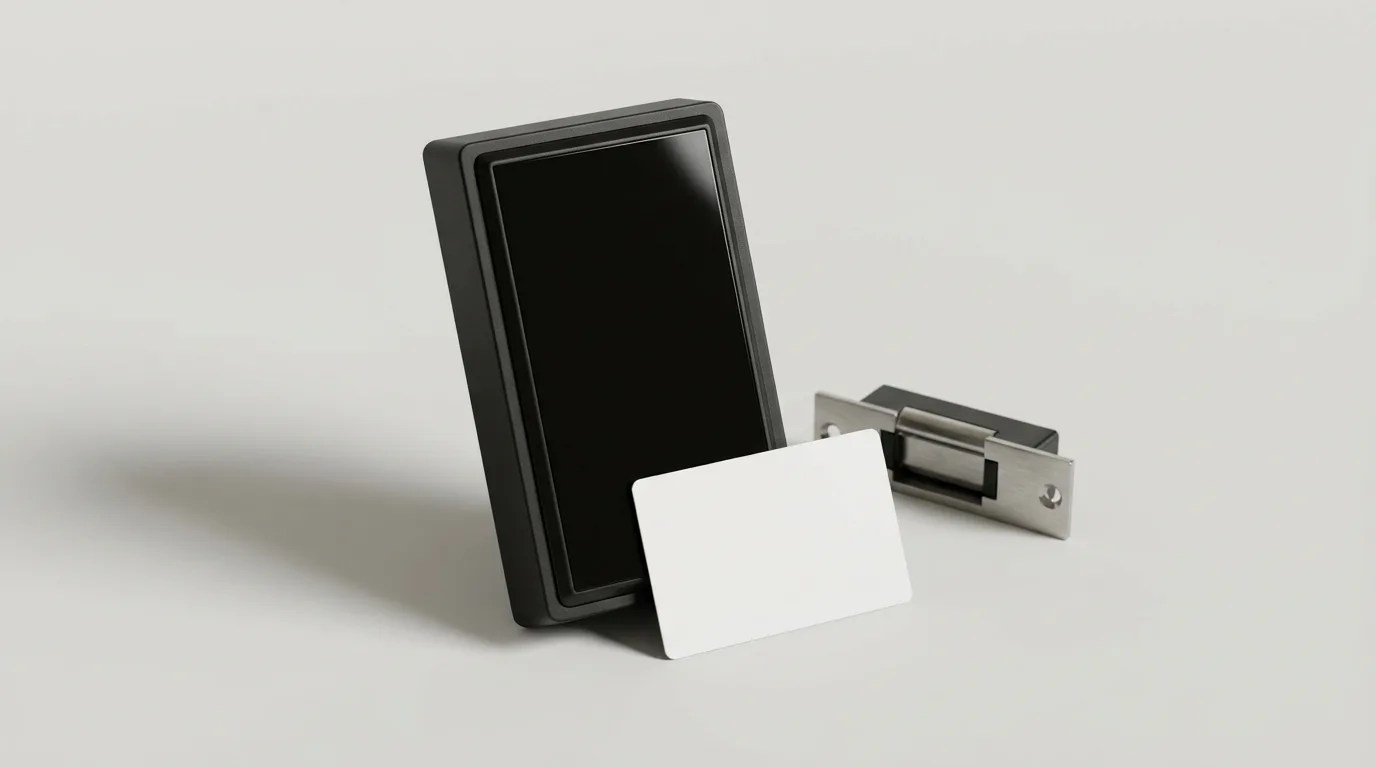
A physical access control system is an electronic setup that decides who can open which door, and when. It swaps mechanical keys for credentials like cards, fobs, PINs, or phones. A reader checks the credential against a stored permission list. If the permission matches, the system releases the lock and writes a log entry. If it does not match, the door stays shut. Every part, from the reader on the wall to the sensor in the frame, exists to answer one question: should this person get in?
What Is Physical Access Control?
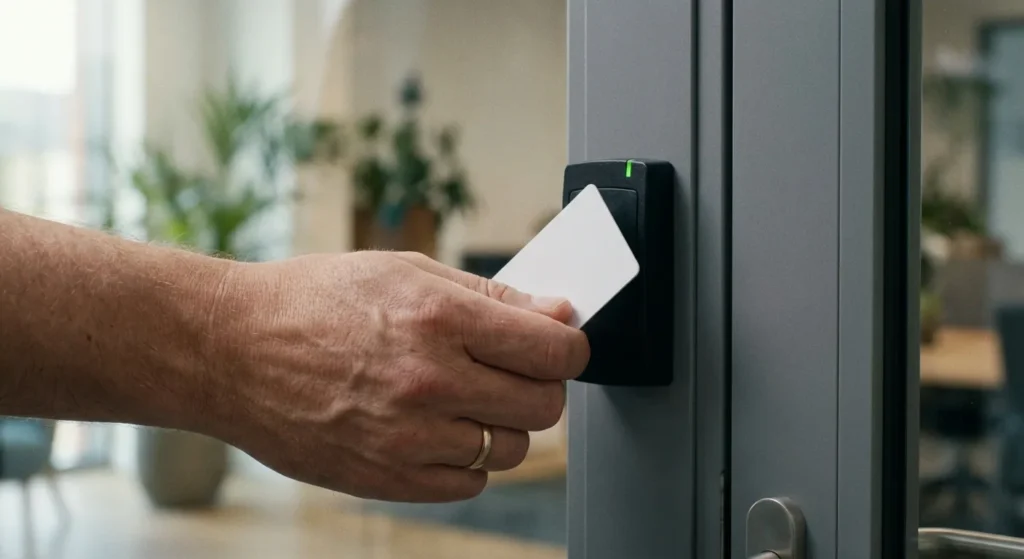
Physical access control decides who can walk through a door, and when. It covers locks, cards, fobs and readers. Logical access control is the other half of physical security access control. It decides who can log in to a computer or network. A business usually needs both.
How Does an Access Control System Work, Step by Step?
To see how an access control system works, follow one employee through one door. The whole sequence finishes in under a second.
The employee taps a card on the reader. The reader pulls the card’s number and passes it to a controller, a small computer mounted in a locked panel nearby. The controller compares that number against its permission list. The list stores three things: who, which door, and what hours. If all three line up, the controller cuts or sends power to the electric lock and the door releases. A sensor in the frame then reports whether the door actually opened, and whether it closed again. The result gets stamped with a time and a door name.
Each part has one job. If any part drops out, the system fails in a predictable direction rather than a random one.
What Are the Four Processes of an Access Control System?
The four processes of an access control system are identification, authentication, authorization, and accountability.
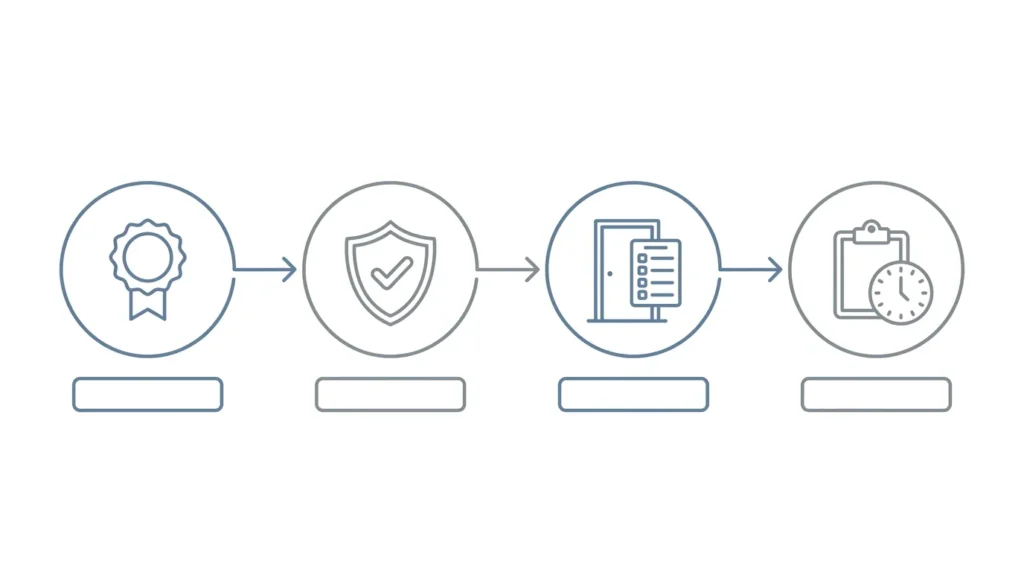
Most owners only think about the first three. The fourth is the one that pays off after an incident. A key and cylinder can tell you a door opened. It cannot tell you who opened it, or at 2 a.m. on which night.
What Are the Parts of a Door Access Control System?
Understanding how a door access control system works gets much easier once you can name the five parts. Troubleshooting stops being a mystery.
Credentials and Readers
A credential is what the person carries. A reader is the plate on the wall that reads it.
- Proximity cards and fobs. Older 125 kHz prox is cheap and everywhere. It is also simple to copy, because the card broadcasts a fixed number with no encryption.
- Smart credentials. Formats at 13.56 MHz like MIFARE DESFire EV3 and HID Seos encrypt the exchange. They cost more per card and resist copying.
- PIN keypads. Nothing to lose or reissue. Codes get shared around, so plan to rotate them.
- Mobile credentials. The phone talks to the reader over Bluetooth or NFC. Nothing to collect when someone quits.
- Biometrics. Fingerprint or face. These work best as a second factor on a server room or a cash office, not as the only reader on a dusty warehouse entrance.
The Door Contact
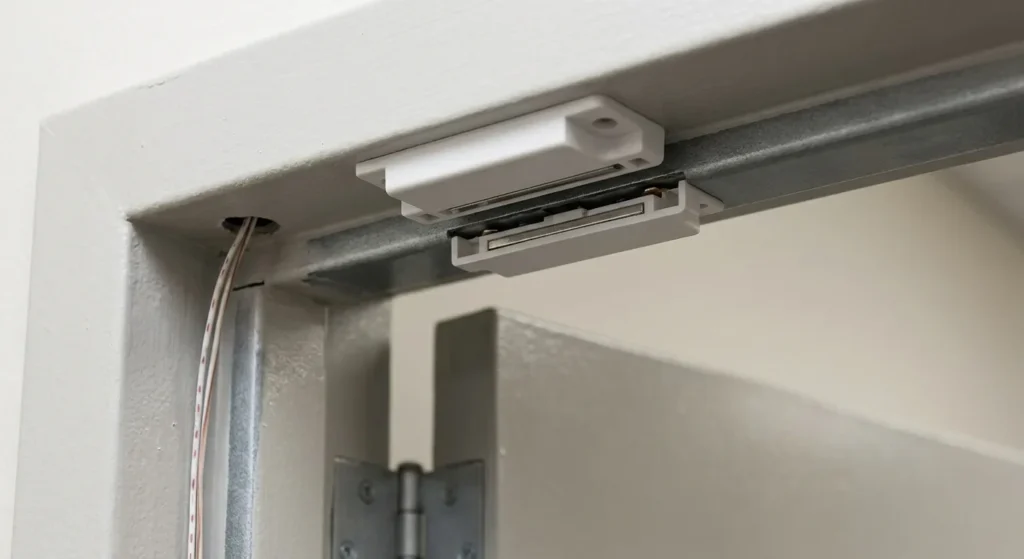
A door contact is a two piece magnetic sensor. One half sits in the frame, the other in the door edge. When the halves separate, the circuit opens and the system knows the door is no longer shut.
That one part answers questions a reader cannot. Did the door actually open after the card was approved? Has it been sitting propped on a wedge since the 4 p.m. delivery? A held-open alarm from a door contact catches more real problems than any other sensor in the building.
Request to Exit Devices
A request to exit device, usually shortened to REX, tells the system that someone is leaving on purpose. It can be a motion sensor above the door, a push bar switch, or a button on the wall.
Without a REX, every normal exit reads as a forced door and fires an alarm. With one, the system knows the difference between an employee going home and a door being pulled open from outside.
Electric Locking Hardware
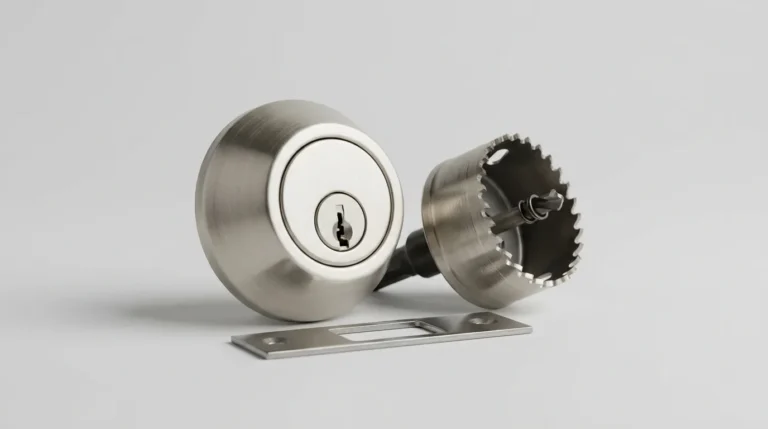
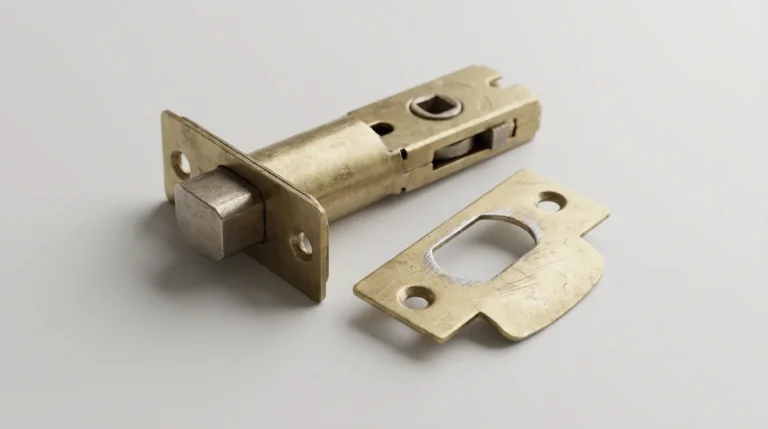
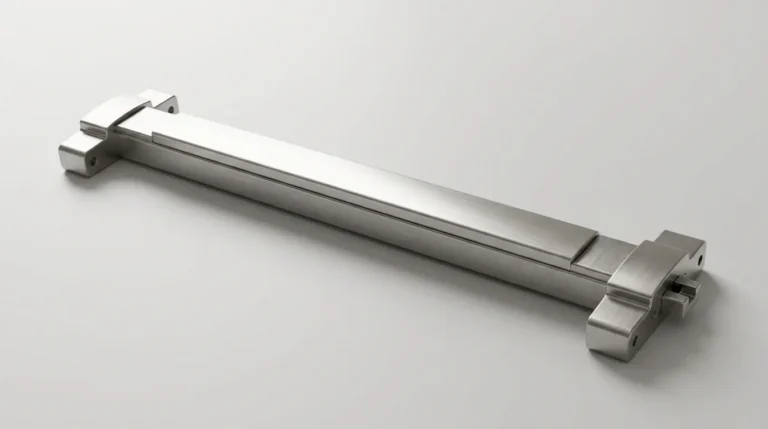
Electric strikes replace the strike plate in the frame and let the latch swing free on command. Magnetic locks hold the door shut with an electromagnet, commonly rated at 600 or 1,200 pounds of holding force. Electrified panic hardware, such as a Von Duprin exit device, keeps the push bar working while adding electronic control. If you are not sure what you already have on your exits, the difference between a crash bar and a standard latch is worth sorting out first.
Hardware is either fail-safe, meaning it releases when power drops, or fail-secure, meaning it stays locked. That choice is a building code question, not a preference. More on that below.
The Controller and Software
The controller holds the rules and makes the decision. The software is how you edit those rules. Cheap systems put the decision inside the lock itself. Larger systems put it in a panel that watches eight or sixteen doors at once.
Whichever tier you buy, the electronics are only as good as the door they sit on. A reader on a bent frame with a worn latch is a badge scanner attached to an open door, so getting the frame, strike, and closer specified correctly for a business entrance comes first.
Three Types of Door Access Control Systems, Compared
Standalone | On-premise networked | Cloud-managed | |
|---|---|---|---|
Best for | 1 to 3 doors | 10+ doors, one campus | Multiple sites, small IT staff |
Where the rules live | Inside the lock | A local server | The vendor’s servers |
Remote release from a phone | No | On the local network only | From anywhere |
Audit log | Limited or none | Full | Full |
Ongoing fee | None | Server upkeep | $10 to $40 per door monthly |
Typical per-door cost | $400 to $1,200 | $1,500 to $3,000 | $1,200 to $2,500 |
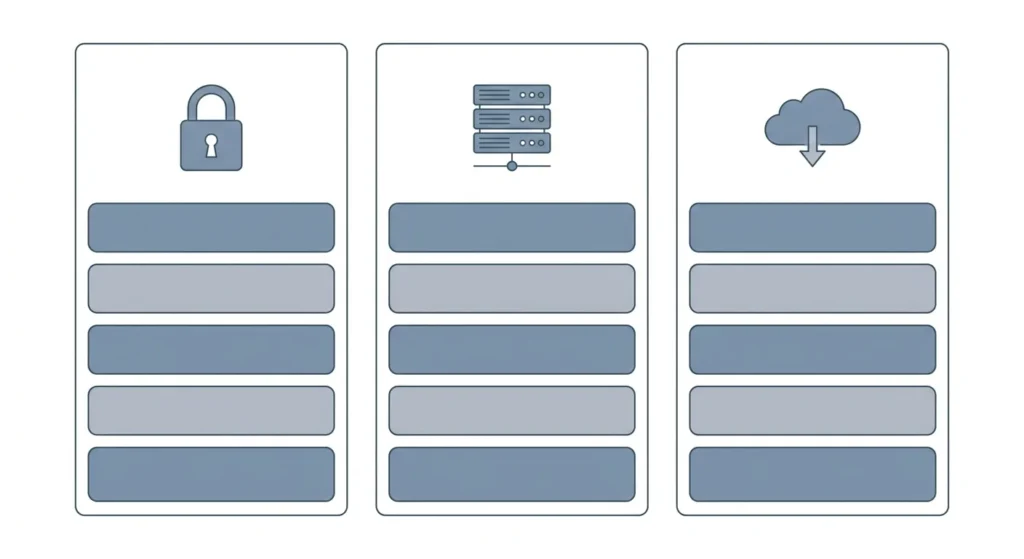
Standalone electronic locks suit a single back office or a supply closet. Networked panels suit a school or a manufacturing floor where wiring already runs. Cloud platforms suit a business with three storefronts and nobody on payroll to babysit a server.
What Is Anti-Passback and Why Do Businesses Use It?
Anti-passback is a rule that stops one credential from entering twice in a row without an exit recorded in between. Tap in, and your card will not work at that same entrance again until the system sees you leave.
It exists to stop badge sharing. Without it, one employee taps in, then hands the card back through the door to a friend. Anti-passback needs readers on both sides of the door, or at least an exit reader at the perimeter. Gyms, data centers, and secured parking decks use it constantly. A ten-person insurance office almost never needs it.
How Does Access Control Handle Fire Code and Emergency Exits?
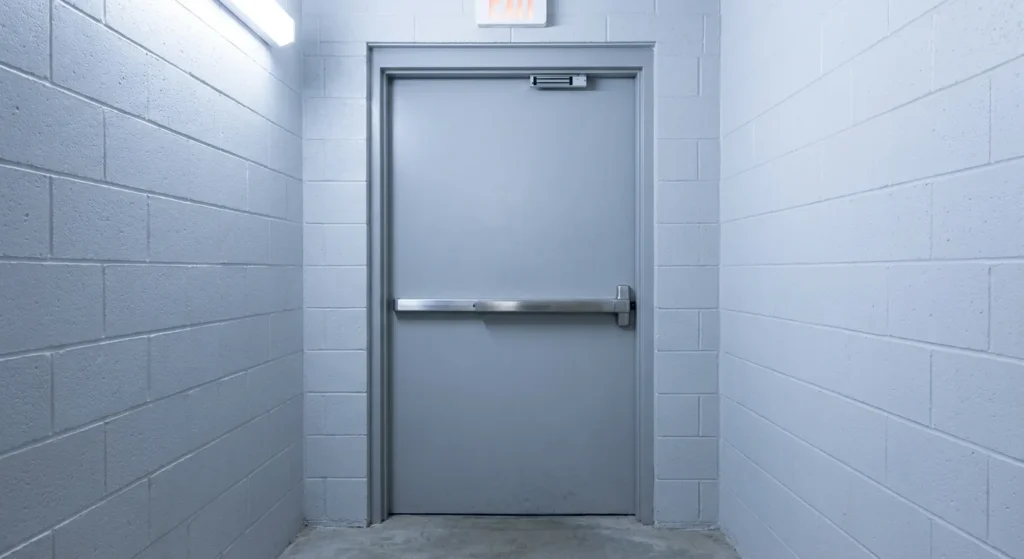
Free egress wins over security every time. NFPA 101, the Life Safety Code published by the National Fire Protection Association, requires that people be able to leave a building without a key, a code, or special knowledge.
That drives three practical rules:
Fail-secure electric strikes are still fine on egress doors, because the mechanical lever or panic bar on the inside never stops working. Hardware ratings from BHMA, such as ANSI/BHMA Grade 1, tell you whether the device holds up to the cycle counts a commercial door sees. Your local fire marshal reviews all of this at inspection, so settle it during design rather than after.
What Does a Physical Access Control System Cost?
Budget $1,200 to $3,000 per opening, installed, for a networked system on a standard commercial door.
Line item | Typical installed cost per door |
|---|---|
Electric strike | $250 to $600 |
Magnetic lock, 600 lb | $300 to $700 |
Electrified panic hardware | $900 to $2,200 |
Card or fob reader | $150 to $650 |
Controller, shared across 2 to 16 doors | $600 to $2,000 |
Power supply, wiring, labor | $400 to $1,200 |
Credentials run $2 to $8 per card and $25 to $60 per mobile seat. Cloud software adds $10 to $40 per door per month. Three things push a quote higher: aluminum storefront frames, doors with no power nearby, and any opening needing electrified panic hardware.
Compare that against rekeying. A twelve-door building rekeyed after a manager quits is an afternoon of work at posted rates for common commercial jobs. Access control removes that recurring cost, because deactivating a card takes ten seconds.
Common Weak Points in Electronic Door Access Control
An access system does not fail dramatically. It degrades quietly, and usually in the same handful of ways.
- Tailgating. Someone walks in behind an authorized badge. No reader stops this. Door contacts and cameras only tell you afterward.
- Propped doors. The most common breach in any building is a wedge under a fire door on a warm afternoon. Set the held-open alarm to 30 seconds and act on it.
- Orphaned credentials. Cards belonging to people who left months ago stay active because nobody owns the offboarding list. Audit quarterly.
- Aging prox cards. Unencrypted 125 kHz credentials are copyable with equipment sold openly. If your cards date to 2010, treat them as identification, not as security.
- Dead batteries. Standalone battery locks warn you for weeks before they quit. People ignore the beep, then find themselves stuck outside their own store on a Saturday.
Local conditions add two more. The coastal humidity here in Summerville pits reader contacts and corrodes electric strike solenoids on unsheltered doors, so exterior readers need a proper gasket and an awning where possible. Spring pollen packs into keypad seams and makes worn digits stick, which quietly tells anyone watching which four numbers your code uses.
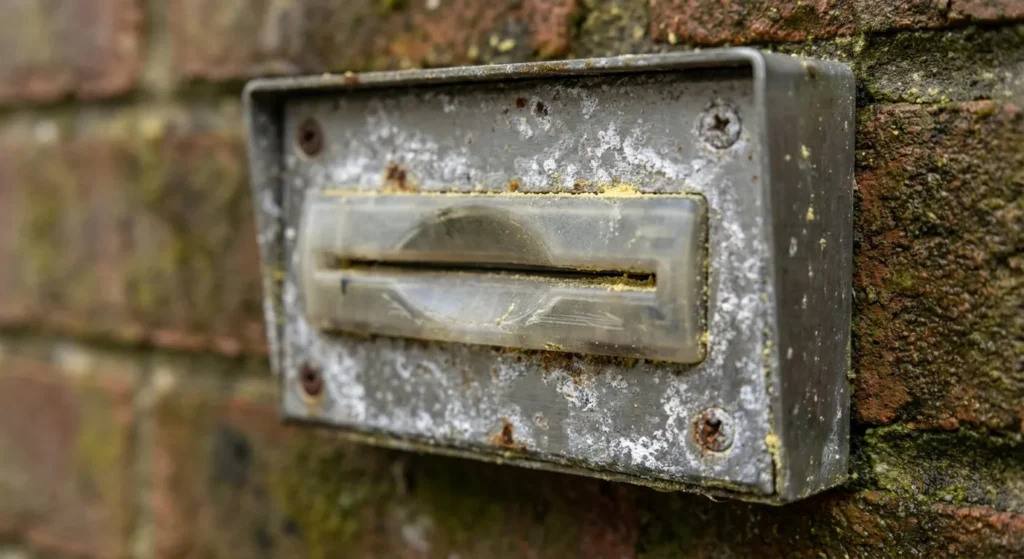
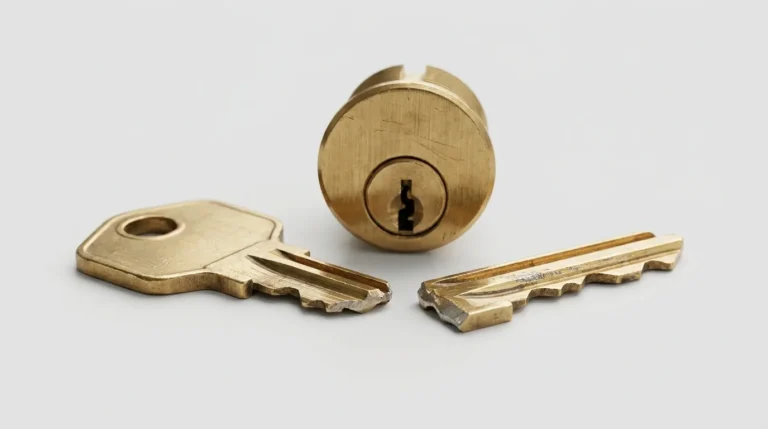
None of this replaces the mechanical side. Every access controlled door still has a cylinder for override, and that cylinder still fails the ordinary ways. If a key snaps off in the override cylinder, the electronics do not help you.
When Should You Upgrade From Keys to Cards?
Four signals say it is time. You rekey more than twice a year. You cannot say who has a copy of the master. You need different hours for different staff. Or an insurer, a franchise agreement, or a client contract asks for entry records you cannot produce.
If none of those apply, better mechanical hardware is the cheaper answer. Moving a small office from a builder-grade cylinder to an ANSI Grade 1 mortise cylinder solves most of the actual risk, and swapping a storefront cylinder is a contained job compared with pulling wire through a finished ceiling.
Start with a walkthrough rather than a product. Count the doors that genuinely need control, which is usually fewer than owners expect. Two or three controlled entrances plus good mechanical hardware everywhere else beats a half-funded system on twelve doors. Ask for a walkthrough of every entry point before anything gets quoted and you will get a number you can actually plan around.
Frequently Asked Questions
Access Control Support for Lowcountry Businesses
Plenty of shops and offices here run a hybrid setup: a card reader on the front entrance, mechanical cylinders everywhere else. Both sides need attention, and a system that logs entries is worth little if the closer is failing or the strike is chewed up. Our team covers storefronts and offices from Knightsville out to Oakbrook, and every technician is background-checked, trained, bonded, and insured. You can read about the people who show up on the truck before you book anything. For anything mechanical or electronic on a business door, talk to a local team that works on both.